


Your event. Its own storefront.
Give guests one link for what to wear, what to bring, and where to shop. Pick the products, share the link with your invite, and let guests buy directly from retailers.
Explore sample storefronts.
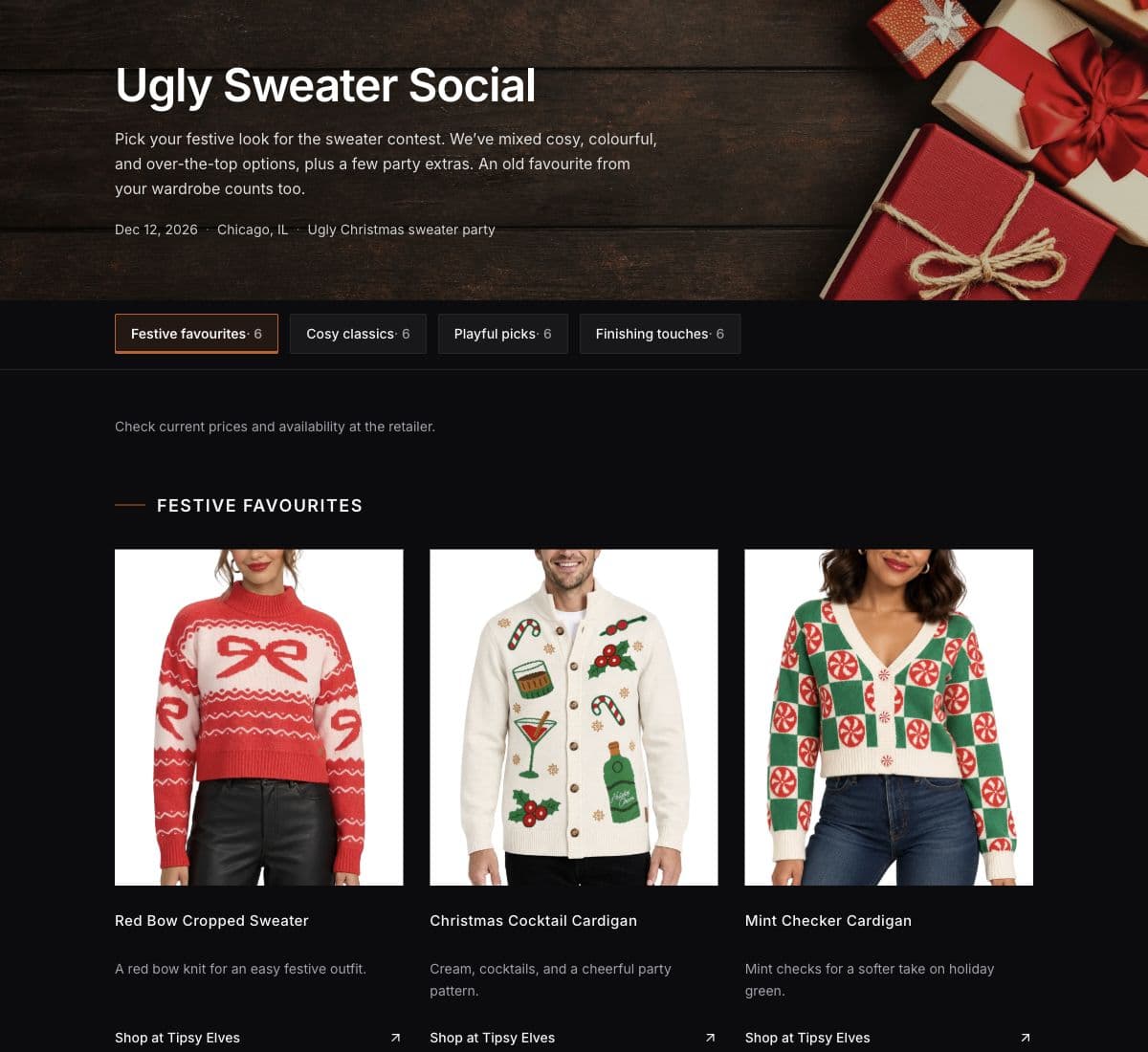
Browse masks for a masquerade, picks for a bachelorette weekend, or outfits for an ugly sweater party. Every sample storefront features real products guests can shop.
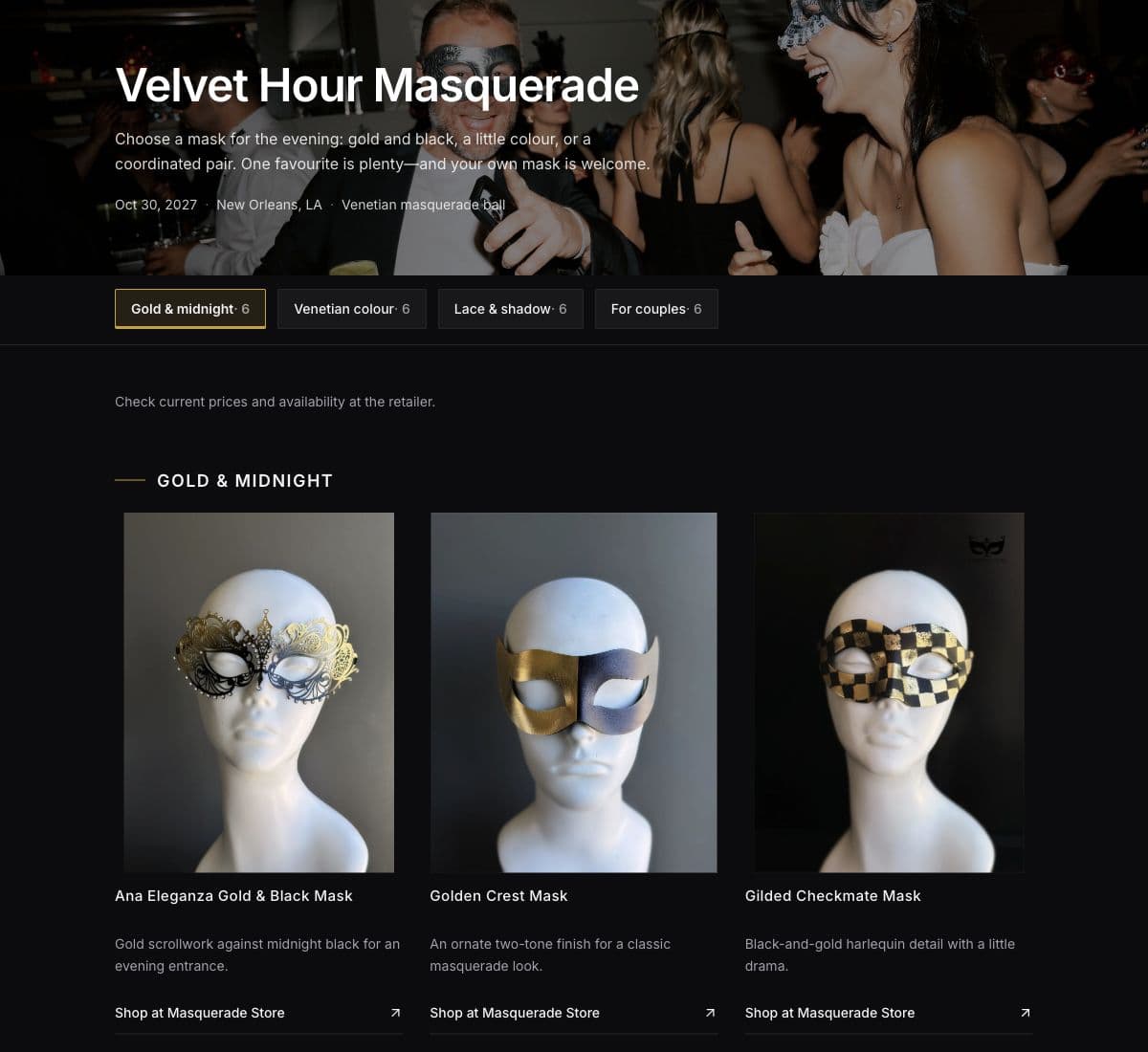
Open sampleVelvet Hour Masquerade
Gold, midnight and Venetian masks for an evening out.
1 / 5

From product picks to one shareable link.
Watch a host build a storefront, then follow the link as a guest.
This demo uses a sample storefront with real retailer products.
Read the full transcript
One link for your guests
Planning an event means answering the same questions. What should I wear? What should I bring? Where can I find it? GuestShelf brings your picks together in one branded collection.
Make the occasion feel real
Here is Velvet Hour, a storefront for a masquerade event. Guests can see the curated mood of the evening, browse the host's categories, and explore real masks chosen to fit the occasion.
Help guests choose
Each product is curated by the host. Your collection gives guests direction, while leaving the choice of what to buy with them.
Guests shop with the retailer
When they are ready, the product link takes them to the retailer where they check out. Your GuestShelf storefront does not handle merchandise checkout or delivery.
Curate your collection
Behind the scenes, you organize products into categories and add useful details. Keep the selection focused on what your guests actually need for your event.
Preview, then share
Preview the collection before sharing it. Once published, your public link can go into invitations, an event page, group chat, or on social media platforms.
A different event, a different edit
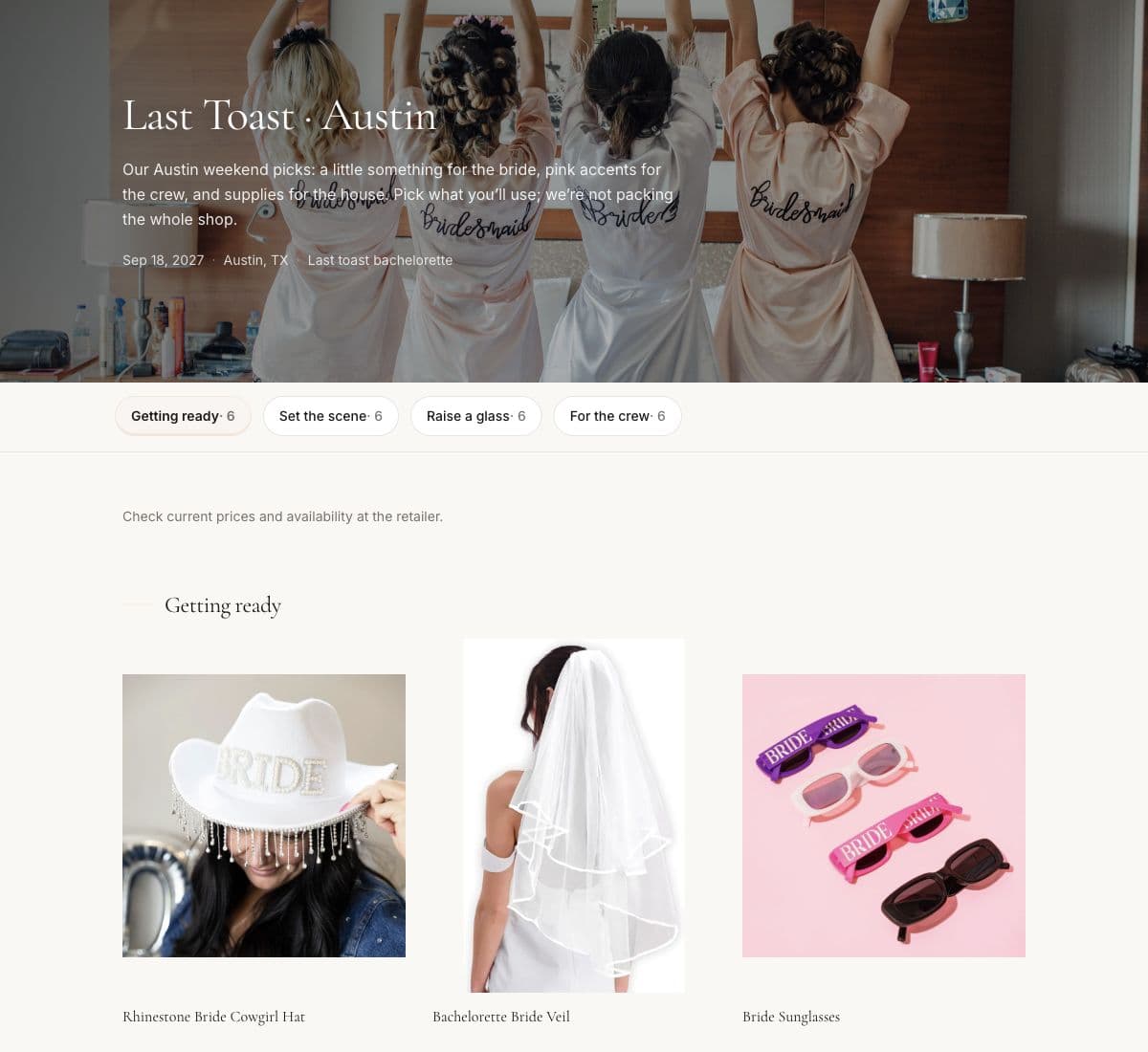
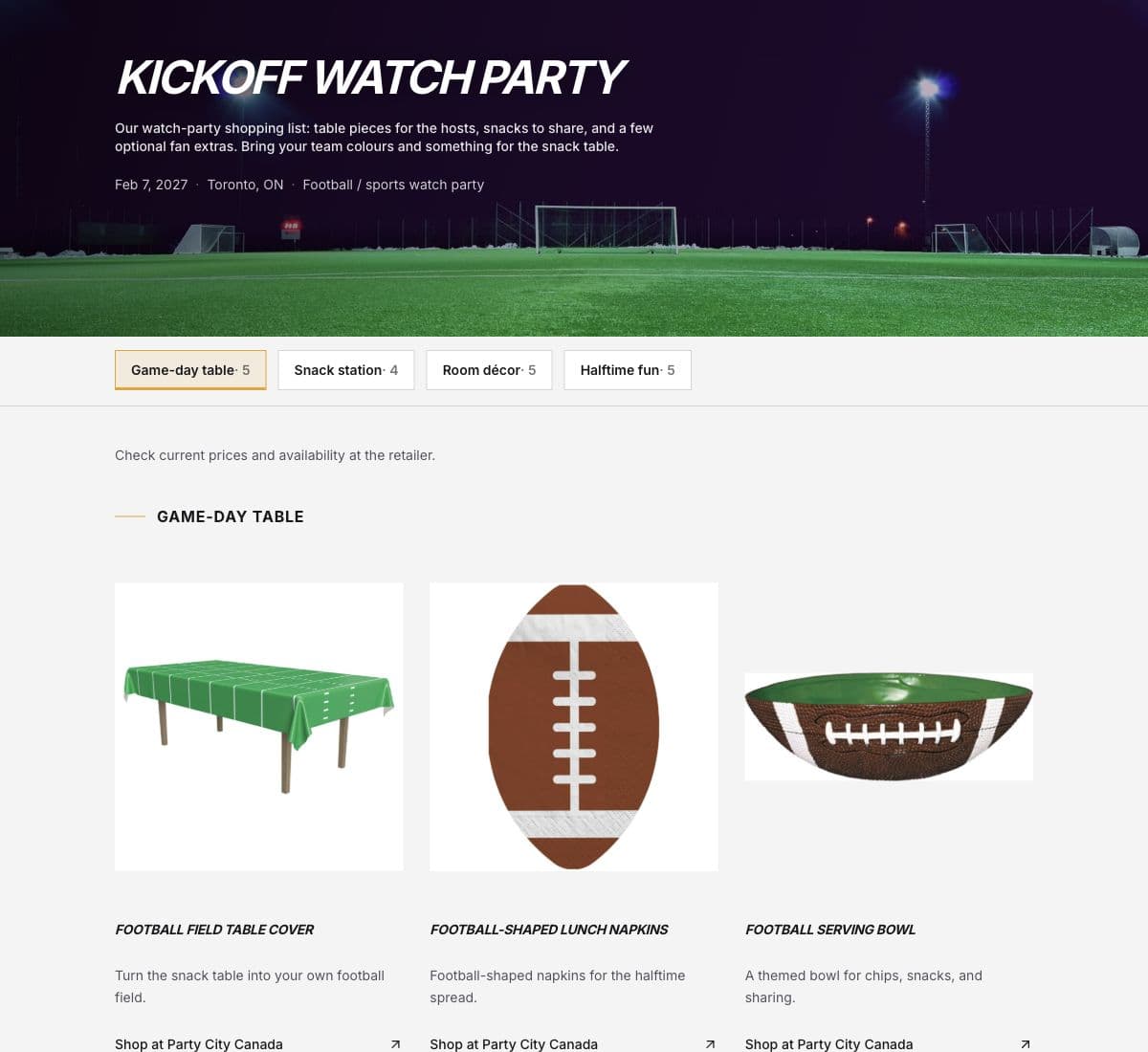
The same idea works for a bachelorette weekend, a baby shower, a holiday social, and many more! The host sets the theme and curates the picks based on their wants and needs.
Create your collection
Explore the example below, then start your own collection. Have a question? Send us a message. A quick conversation is always optional.
Create, curate, share.
Go from a draft to a link guests can open on their phones.
01
Create
Name your event and choose a look that fits the occasion.
02
Curate
Add outfits, gifts, or supplies from retailers you recommend.
03
Share
Publish and share the link in your invitation, event page, or group chat.
See what guests click.
See which picks send guests to a retailer. Use what they click to refine your recommendations for the next event.
View storefront pricingFAQ
What to know before you create a storefront.
What is GuestShelf?
GuestShelf gives event hosts a branded page for product recommendations, so guests can find what to wear or bring and shop directly with retailers. Share one collection and see which products guests click.
Do I need a store or inventory?
No. You choose what to recommend and share a link. Retailers handle payments, shipping, and returns.
How do guests buy products?
They open your public storefront link, browse categories, and tap through to the retailer’s site to complete the purchase. The retailer handles product payments, shipping, and returns.
Can I earn commissions?
If your retailer program permits your use of affiliate links, you can add them with the required disclosure. Eligibility, commissions, and payment depend on that agreement. You can also inquire about a manually arranged retailer pilot. Plain product links work without a referral agreement.
Who is this for?
Event hosts and planners who want to give guests a clear shopping list, from a dress code for a masquerade to a packing list for a weekend away.
How fast can I publish?
Create a storefront, brand it, add a handful of products, and publish. Share one URL in the invite, IG, or event page. Duplicate it for the next date when you’re ready.
Ready for your next event?
Create a draft storefront and share a guest link when you’re ready.